Hariti Progress Checklist
Track keys, clues, achievements, and story milestones in one place.
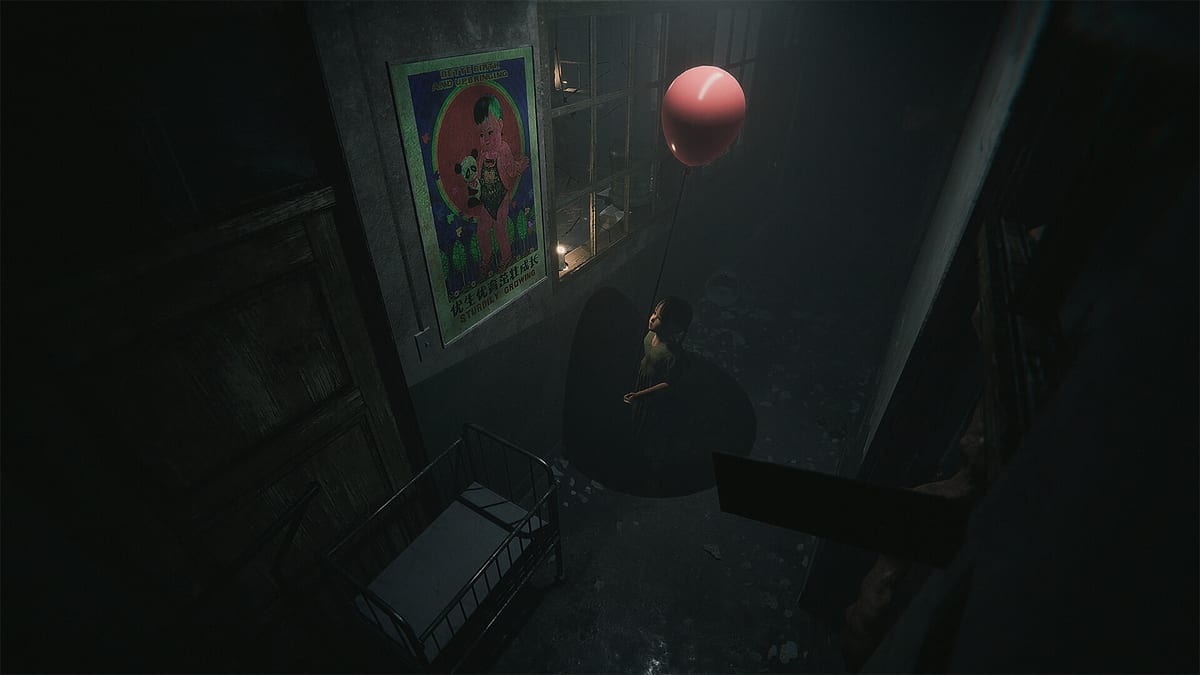
Hariti’s Chinese hospital is nonlinear enough that even careful players forget which wing hid a security key, which nurse station held a dollhouse inspectable, or whether they already triggered audio for Strange Noise before sprinting away from the Woman in Red. This Progress Checklist page embeds an interactive tracker so you can mark story beats, item pickups, clue inspectables, and Steam achievement milestones without keeping a separate spreadsheet. It complements — never replaces — the Walkthrough and Getting Started guides for players who want 100 percent completion or a cleaner second run after finishing the story.
Ghostcase designed Hariti as single-player horror with no multiplayer inventory sharing and no codes. Every checkbox reflects your own run state stored locally when you use the widget below. Reset anytime if you begin a fresh playthrough or install the full game after sampling the demo described on Demo vs Full Game.
What the checklist covers
The checklist groups tasks into practical buckets mirrored across wiki categories:
Story progression — major objectives tied to finding Cindy, clearing lock cascades from Keys and Tools, and surviving Hide and Seek sequences without assuming you read every spoiler upfront.
Items and clues — keys, crowbar moments, medicine caches, lantern checkpoints, red balloon inspectables, and optional rooms linked from Clues and the Items Hub.
Achievements — all eight Steam unlocks (Hide and Seek, Lost Souls, The Woman in Red, Strange Noise, Mommy, Baby, Dollhouse, Hariti) with short reminders of behavior type rather than exact trigger scripts, so first-time horror still lands.
Lore inspectables — optional shrines, audio logs, and folklore props that support Folklore reading without gating the ending.
How to use it during a play session
Keep this page open on a second monitor or phone while playing on PC. When you pick up a hospital key, check the corresponding row, note the wing name in the Walkthrough if you want extra context, and move on without re-searching drawers during chases. After major chapters, skim unchecked rows — if an entire section remains blank, you likely missed an optional backtrack path before a point of no return.
Avoid checking everything preemptively from wiki spoilers alone; the checklist works best when boxes reflect actions you actually performed in-game. If you mark an achievement task complete but Steam disagrees, reload a chapter checkpoint and retry the specific behavior summarized on Achievements.
Mid-run interactive tracker
The embedded component below saves tick states in your browser for convenience. It does not verify Steam achievements automatically and cannot grant items in-game. Treat unchecked rows as reminders, not failures — Hariti remains completable if you ignore optional content.
Key items
Areas cleared
Steam achievements
Suggested order for completionists
- Finish the main story path using guides only when stuck.
- Return to early wings with the checklist for Lost Souls and Dollhouse inspectables while lantern routes are still fresh in memory.
- Replay chase chapters for Hide and Seek mastery once you know hiding spots.
- Sweep audio-heavy rooms for Strange Noise with headphones.
- Plan Mommy, Baby, and Hariti milestones during controlled replays of maternal and finale sequences — read Characters if you need emotional context before infant-themed tasks.
When not to use the checklist
First-time players seeking maximum dread should skip tracking entirely until credits roll. Horror atmosphere thins when you optimize routes early. Likewise, if taboo stillborn weapon content on The Stillborn Weapon exceeds your comfort, leave Baby unchecked permanently — story completion does not require every achievement row.
Sync with patches and demo builds
August 11, 2026 launch notes on Launch Notes document changes from the Steam Next Fest demo. If Ghostcase relocates a key or achievement trigger, wiki checklist text updates via JSON regeneration — verify Updates Hub after major patches. Demo installs may omit late-game rows entirely; do not expect full checklist coverage until you own the complete Steam app.
Related tools and links
Compare hardware comfort on System Requirements if chases stutter while you alt-tab to this page. Official purchase and support links sit on Links Hub. For critical reception of grindy completion versus story focus, see Review. Return to Tools Hub for category overview.
Frequently Asked Questions
Quick answers to the most common questions.
Does the Progress Checklist save between browser sessions?
Yes locally in your browser storage for convenience. Clearing site data resets checks. It does not sync across devices unless you manually mirror progress.
Will checking boxes unlock Steam achievements?
No. Only in-game actions trigger Steam. The checklist is a fan wiki reminder tool, not a game mod or cheat.
Is the checklist required for finding Cindy?
No. Main story objectives are covered in How to Find Cindy and the Walkthrough. The checklist helps optional content and achievements, not mandatory rescue progress.